
01
Open Top up
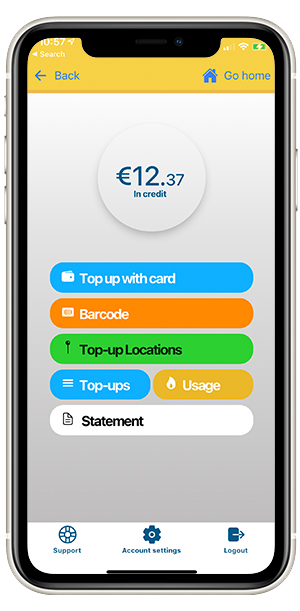
Sign in to Snugzone and choose Top up from the home screen.
- Select the amount you want to add.
- Choose the payment option available to you.
Payments
Add credit securely in the Snugzone app, whenever you need it. Your new balance can take a few minutes to appear.
Sign in to Snugzone and choose Top up from the home screen.
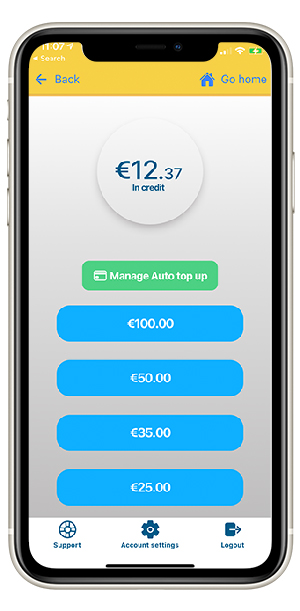
Confirm your selected amount, then enter your payment details through our secure payment process.
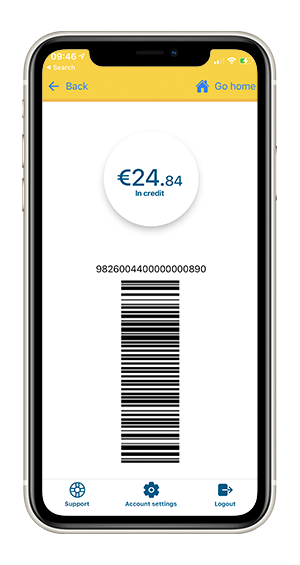
If this option is available on your account, select Barcode in the app and show it to the retailer.
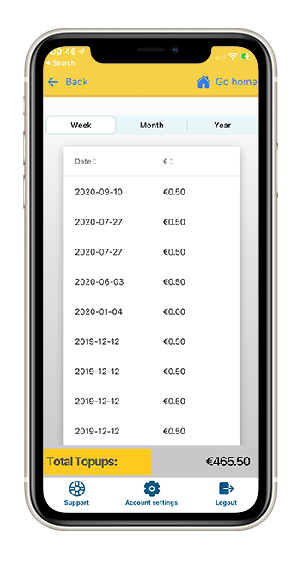
Return to the home screen to check that your credit has updated.
Payzone retailers: where barcode top-ups are supported, you can pay at participating Payzone outlets across Ireland.